↗
Posting across platforms
Creating and publishing content separately on every network can turn a simple content plan into a repetitive process.
Vista Social brings publishing, engagement, analytics, reporting, listening, automations and AI-assisted workflows into one platform, so teams can spend less time jumping between tools.
Publishing is only one part of the job. The real work often lives across calendars, inboxes, spreadsheets, analytics dashboards and approval threads.
Creating and publishing content separately on every network can turn a simple content plan into a repetitive process.
When each social network has its own interface, finding the right data or conversation can take more clicks than expected.
Drafts, scheduled posts, approvals and publishing status become harder to coordinate as the number of profiles grows.
Pulling performance data together for a team or client can become a recurring manual task.
Comments, messages, mentions and reviews can be spread across different platforms and require constant context switching.
When content needs several people to review it, the workflow needs somewhere to track who has approved what.
The goal is not another dashboard. It is a clearer operating system for the work that already has to happen around your social channels.
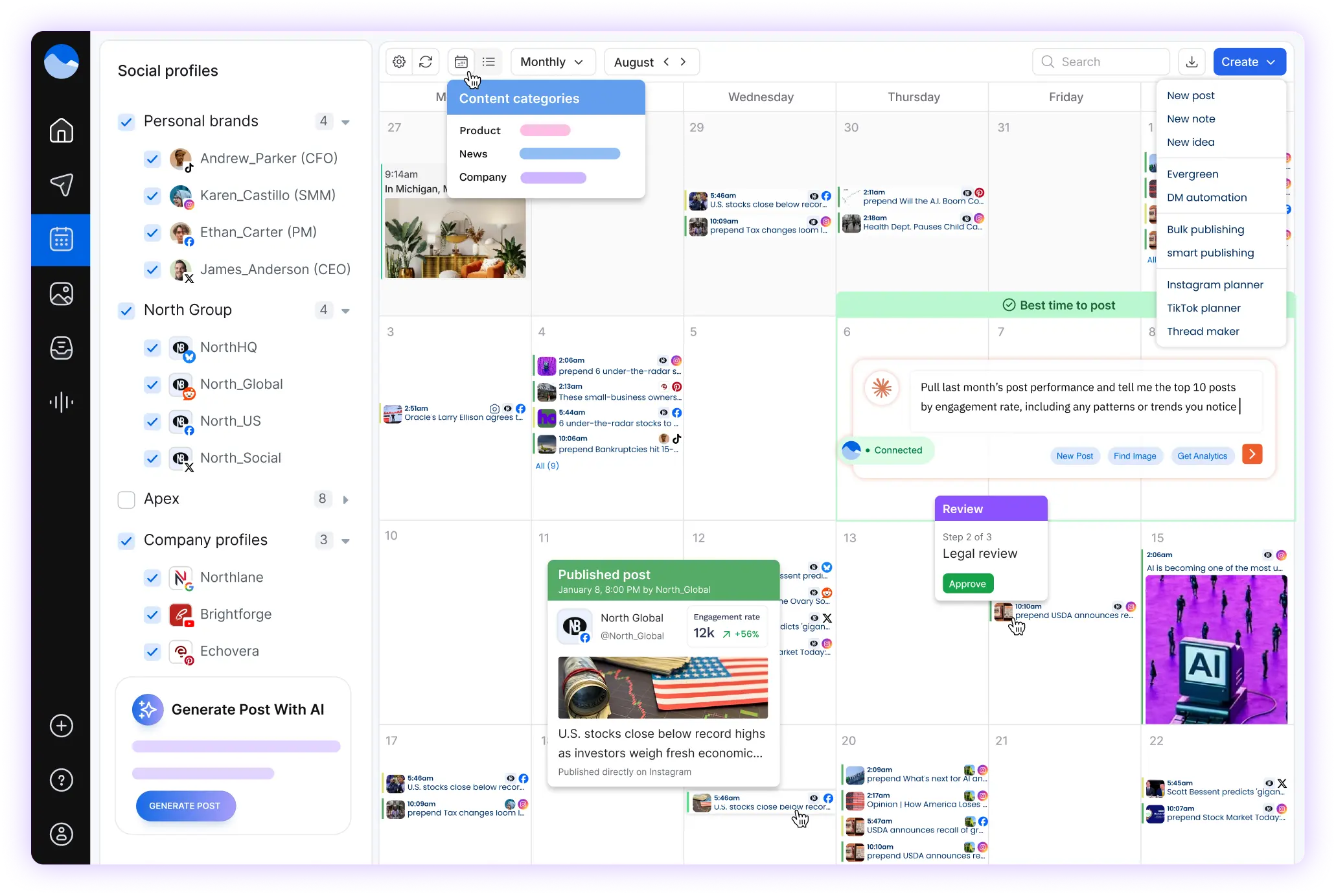
Vista Social is a social media management platform for teams that need more than a basic scheduler. The product combines publishing, engagement, reporting, listening, review management, automations and team collaboration in one environment.
That makes the platform useful for people managing multiple social profiles, clients, brands or internal marketing workflows.
Vista Social's current feature set goes beyond scheduling. Exact availability varies by plan.
Plan content, preview posts, schedule across social channels and use bulk scheduling and profile-specific customization.
Content workflowBring supported messages, comments, mentions and other conversations into a centralized engagement workflow.
EngagementTrack profile and post performance, build reports and schedule reporting workflows for teams or clients.
MeasurementMonitor conversations around your brand, industry and competitors. Broader listening across social, web and news is available as an add-on.
ResearchUse the AI-powered assistant to help generate content, answer product questions, support workflows and work with reporting tasks.
AI assistanceAutomate supported comment and direct-message workflows, with more advanced automation capabilities on higher plans.
AutomationMonitor and respond to reviews across supported review platforms from within Vista Social.
ReputationUse permissions, internal collaboration, approval workflows and shared calendars to coordinate social work.
TeamsProject management is built into the platform so campaign tasks can live alongside the posts, comments and reports they relate to.
Project managementThe basic setup is straightforward: connect the profiles you manage, bring your team in, then build your publishing and engagement workflow.
Connect the social profiles and group them by brand or client so content and reporting stay organized.
Create drafts, build a calendar and schedule content across the profiles that matter to your workflow.
Work through supported conversations, reviews, approvals and internal notes without leaving the platform.
Use analytics and reports to understand performance and decide what your team should do next.
Vista Social currently lists support for a broad mix of social networks and review destinations. Availability can vary by network, feature and plan.
This list reflects networks and destinations publicly referenced by Vista Social. Some features, such as X publishing and analytics, may require a separate paid add-on.
The same platform can support different workflows depending on how many profiles, people and approval steps are involved.
Use profile groups, permissions, approvals, reporting and client connection tools to structure work across accounts.
Move from planning to publishing to inbox management and reporting without rebuilding context in separate tools.
Coordinate content, engagement, reviews and performance reporting across a brand's connected social presence.
Use scheduling, content planning, engagement and analytics tools to manage a growing social workflow.
Use collaboration and approval workflows when content needs review from several people before publication.
Enterprise plans can include custom integrations, security controls, onboarding and dedicated account support.
This is a workflow comparison, not a ranking of software. The right setup depends on your team, channels and requirements.
Vista Social currently offers Ask Vista, an AI-powered assistant that can help with content, publishing workflows, reporting and other tasks inside the platform.
Higher plans add AI Training & Knowledge features that can use brand information to support grounded content and response workflows.
Explore Vista Social AI →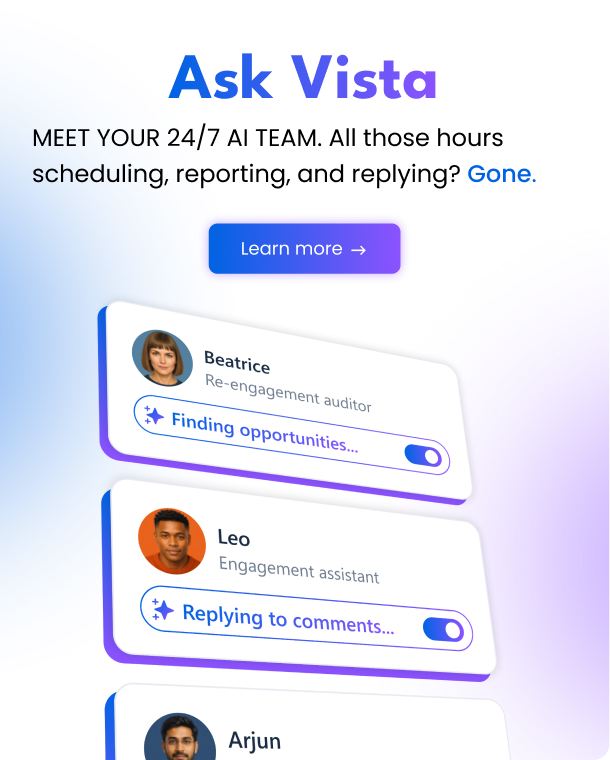
Vista Social provides profile and post performance reports, downloadable reports, scheduled reports and additional report types. Higher plans add custom reports, competitor reporting, sentiment analysis and industry benchmarks.
Vista Social's higher tiers are designed for teams managing more profiles and more people. Depending on plan, features include advanced approvals, custom reports, white-label setup, client profile connections and larger profile capacity.
Vista Social currently lists four plan levels. The prices below reflect the public pricing page checked on September 18, 2026.
For professionals and small teams needing collaboration tools and reporting.
For teams and agencies looking for advanced features and power tools.
For agencies managing multiple brands and clients who need greater capacity.
Custom-built plans for organizations with larger requirements, integrations and support needs.
Pricing, feature availability and add-on charges can change. X publishing/analytics currently has a separate $29/month per connected X profile add-on. Broader listening across social, web and news starts at $75/month. Check Vista Social for the latest terms.
No social media platform fits every workflow. These points are based on current product and pricing information rather than a numerical score.
Ratings change over time. The figures below were checked in September 2026 and are shown with their sources rather than presented as our own score.
“The unified inbox has honestly been one of the biggest time savers for me…”
“I loved that there is far more than just scheduling posts.”
Public reviews frequently discuss scheduling, analytics, ease of use and support, while some users also mention feature or performance considerations.
Sources: Capterra reviews and G2 reviews. Quotes are short excerpts and remain attributed to their original review source.
Answers below are based on current public Vista Social information and can change as the product evolves.
Vista Social currently offers a 14-day trial of its paid plans with no credit card required. Explore the platform, connect the profiles you actually manage and decide whether the workflow fits your team.